显示标签为“X431”的博文。显示所有博文

2020年1月31日星期五

Nissan Sentra 2014 Steering Angle Sensor Adjustment by Launch X431 Torque

In this instruction we are going to teach you how to perform a steering angle sensor adjustment on a 2014 Nissan Sentra using the Launch X431 Torque.Launch X431 Torque is new product released by LAUNCH TECH CO.,LTD,and it only available on North American Market.Here for more Launch X431 test projects,please check:How to use Launch Scanner.And i have collected topic of steering angle sensor,get all article:Steering Angle Sensor (SAS)
Procedures:
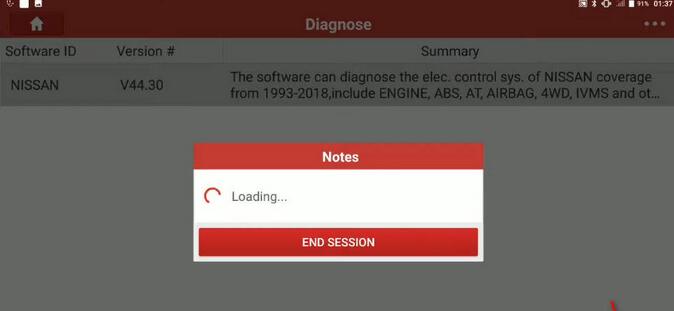
First we build connection between Launch X431 and Nissan Sentra 2014,then enter menu to select “Nissan”
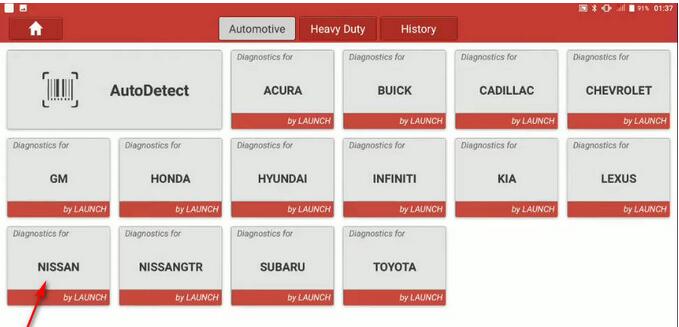
Nissan-Sentra-2014-Steering-Angle-Sensor-Adjustment-1
To confirm the software select [OK]
Nissan-Sentra-2014-Steering-Angle-Sensor-Adjustment-2
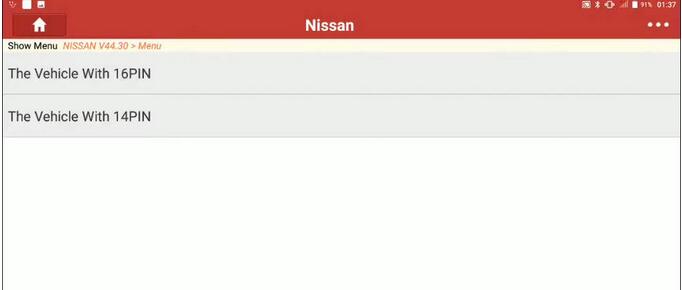
Select [The Vehicle With 16PIN]
Nissan-Sentra-2014-Steering-Angle-Sensor-Adjustment-3
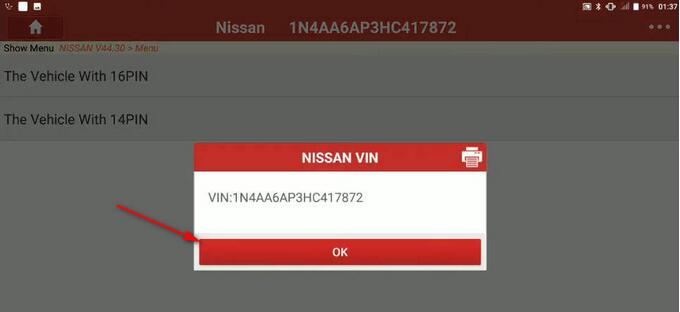
Confirm VIN and select “OK”
Nissan-Sentra-2014-Steering-Angle-Sensor-Adjustment-4
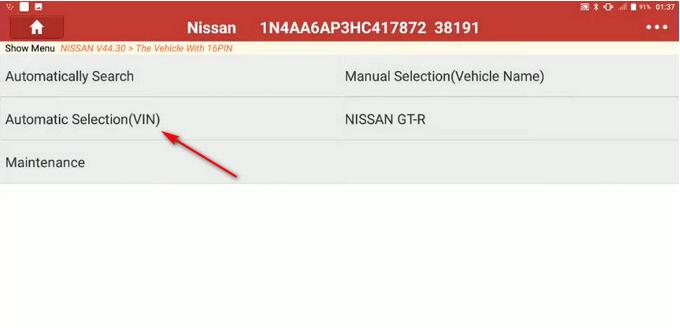
Select “Automatic Selection”
Nissan-Sentra-2014-Steering-Angle-Sensor-Adjustment-5
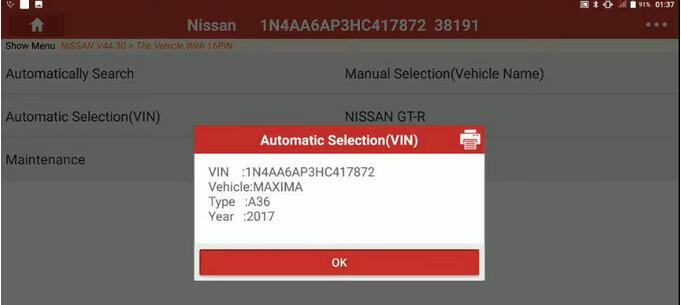
Confirm VIN,Model,Year and select “OK”
Nissan-Sentra-2014-Steering-Angle-Sensor-Adjustment-6
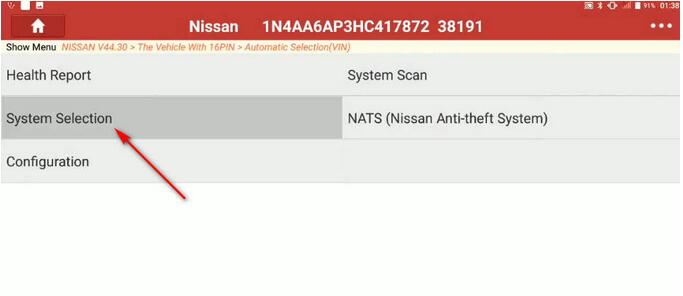
Select “System Selection”
Nissan-Sentra-2014-Steering-Angle-Sensor-Adjustment-7
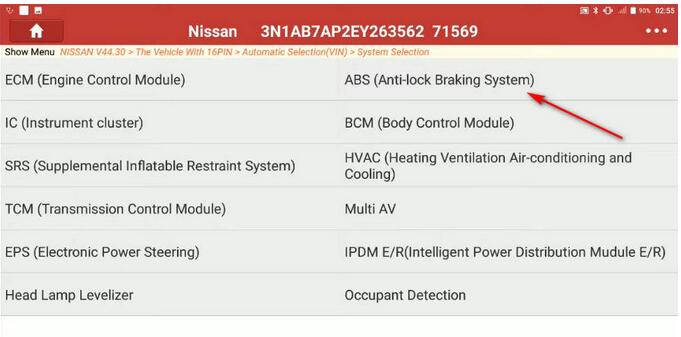
Select “ABS (Anti-lock Braking System)”
Nissan-Sentra-2014-Steering-Angle-Sensor-Adjustment-8
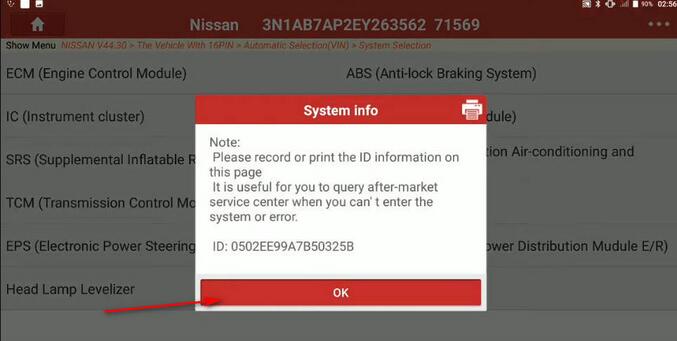
System info,select “OK”
Note:Please record or print the ID information on this page.It is useful for you to query after-market service center when you can’t enter the system or error.
ID:xxxxxxxxxxxxxx
Nissan-Sentra-2014-Steering-Angle-Sensor-Adjustment-9
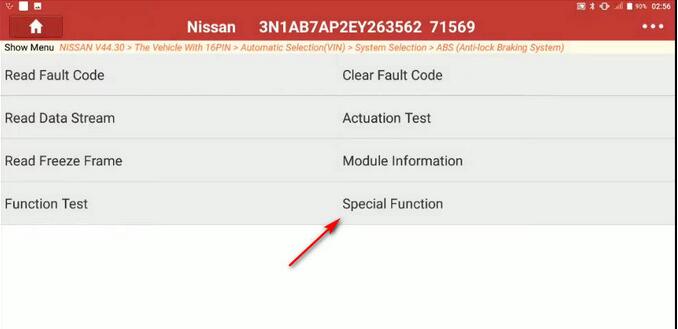
Select “Special Function”
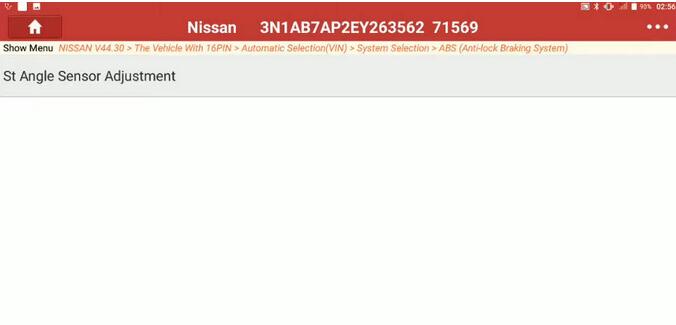
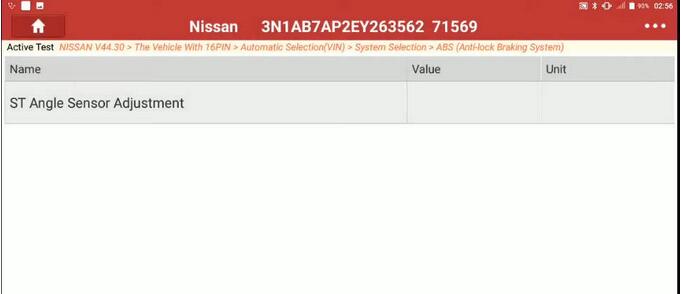
Select “St Angle Sensor Adjustment”
Nissan-Sentra-2014-Steering-Angle-Sensor-Adjustment-10 Nissan-Sentra-2014-Steering-Angle-Sensor-Adjustment-11
A system information screen will give you instruction,please follow and select “OK”
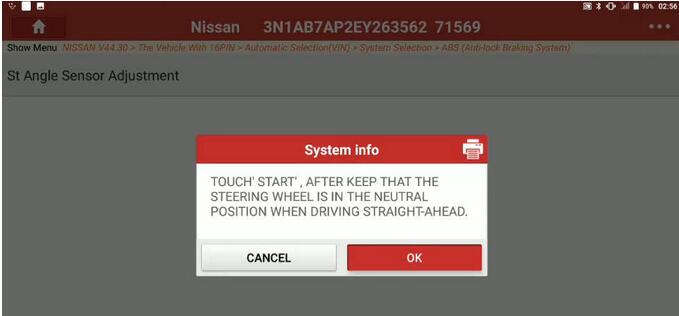
Nissan-Sentra-2014-Steering-Angle-Sensor-Adjustment-12
The select “Start” button
Nissan-Sentra-2014-Steering-Angle-Sensor-Adjustment-13
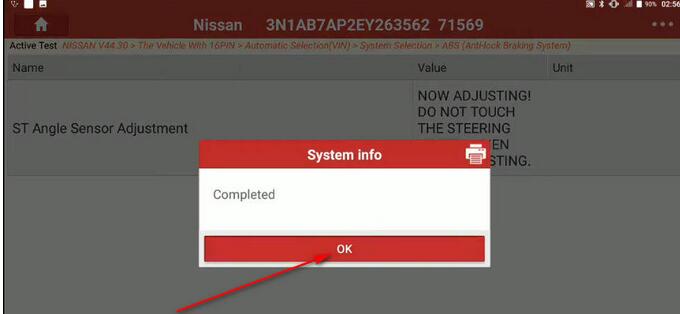
Once completed select “OK”
Nissan-Sentra-2014-Steering-Angle-Sensor-Adjustment-14
A steering angle sensor adjustment on a 2014 Nissan Sentra completed.

Launch X431 Throttle Set FRE Memory for Nissan Maxima 2017

In this instruction,i will show you guide on how to use Launch X431 Throttle to set memory for Nissan Maxima 2017.For more Nissan projects,please follow this tag:Nissan Repair Cases.
Procedures:
Connect Launch X431 Throttle to Nissan Maxima,and enter menu to select “Nissan”
Select [The Vehicle With 16PIN]–>[Automatic Selection]
Select [System Selection]
Launch-X431-Throttle-Set-FRE-Memory-for-Nissan-Maxima-2017-1
Select [HVAC(Heating Vehicle Air-condition and Cooling)]
Launch-X431-Throttle-Set-FRE-Memory-for-Nissan-Maxima-2017-2
Select [Special Function]
Launch-X431-Throttle-Set-FRE-Memory-for-Nissan-Maxima-2017-3
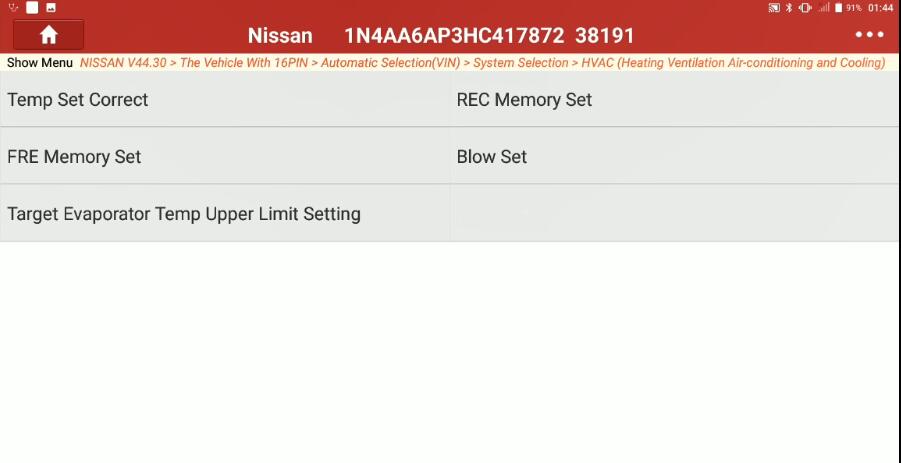
Select [FRE Memory Set]
Launch-X431-Throttle-Set-FRE-Memory-for-Nissan-Maxima-2017-4
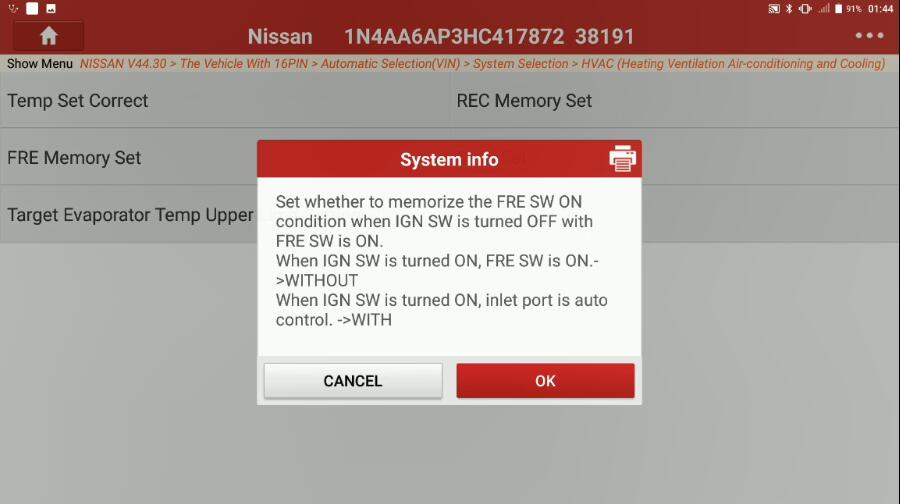
Set whether to memorize the FRE SW ON condition when IGN SW is turned OFF with FRE SW is ON.
When IGN SW is turned ON,FRE SW is ON–>WITHOUT
When IGN SW is turned ON,inlet port is auto control–>WITH
Press [OK]
Launch-X431-Throttle-Set-FRE-Memory-for-Nissan-Maxima-2017-5
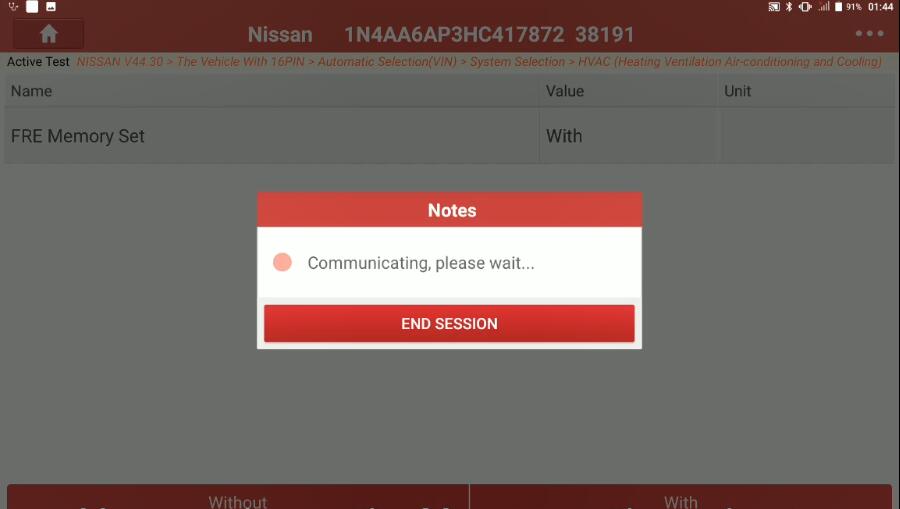
OK
“With” or “Without” at the bottom of the screen
Launch-X431-Throttle-Set-FRE-Memory-for-Nissan-Maxima-2017-6
Once finished,select the back button to exit.